Best AI Coding Tools in 2026
The Best AI Coding Tools have moved well beyond simple autocomplete. In 2026, the strongest products can generate and refactor code, understand repositories, troubleshoot errors, complete multi-step tasks, use terminal tools, review changes and sometimes operate independently while you focus elsewhere.
That creates a new problem: which AI coding tool should you actually use?
There is no single winner for every developer. A developer who wants an AI-first editor may prefer Cursor, while someone deeply invested in GitHub may get more value from GitHub Copilot. Developers who prefer terminal-first workflows have compelling options such as Claude Code and Codex, while Google Cloud teams have a strong reason to consider Gemini Code Assist.
For this guide, the ranking considers coding capability, code generation, codebase understanding, agentic workflows, IDE and terminal integration, model choice, developer experience, pricing, free access, team features, and overall value. The comparison is based on current product documentation, pricing information, and official product materials available in 2026. It does not claim hands-on testing that was not performed.
“
We compared 8 leading AI coding tools across 20 practical criteria—from codebase understanding and agentic workflows to pricing, integrations and overall value—so you can choose the right tool for the way you build.
”
Let’s get into it.
Quick Tool Breakdown
| Overall Rank | Tool | Best For | Key Strength | Pricing | Free Option |
|---|---|---|---|---|---|
| 1 | Cursor | Best overall | AI-first editor and agentic development | From $20/month; Start plan ₹649/month | Yes |
| 2 | GitHub Copilot | Existing IDE + GitHub users | Broad IDE, GitHub and agent integration | From $10/month | Yes |
| 3 | Claude Code | Terminal-first developers | Deep agentic coding workflow | Usage or subscription dependent | Limited |
| 4 | OpenAI Codex | Autonomous coding tasks | Agentic development and code review | Included with eligible ChatGPT plans; usage-based credits | Plan dependent |
| 5 | Windsurf | AI-first editor alternative | Cascade agent and codebase interaction | $15/month Pro | Yes |
| 6 | Gemini Code Assist | Google Cloud developers | Google ecosystem and cloud development | Standard and Enterprise plans | Availability varies |
| 7 | Cline | Flexible agentic workflows | Model and provider flexibility | Open-source extension; model usage costs vary | Yes |
| 8 | Amazon Q Developer | AWS developers | AWS-focused development assistance | Free and Pro options | Yes |
Pricing and feature availability change frequently, so readers should confirm the current plan before purchasing. For example, Cursor’s current documentation lists a $20/month Pro plan and a new -only Start plan at ₹649/month, while GitHub lists Copilot Pro at $10/month.
Our Top Picks
- Best Overall: Cursor
- Best for Existing IDE and GitHub Workflows: GitHub Copilot
- Best for Terminal-Based Agentic Coding: Claude Code
- Best for Autonomous Coding Workflows: OpenAI Codex
- Best Cursor Alternative: Windsurf
- Best for Google Cloud Development: Gemini Code Assist
- Best Flexible/Open-Source Agent: Cline
- Best for AWS Developers: Amazon Q Developer
1. Cursor — Best Overall
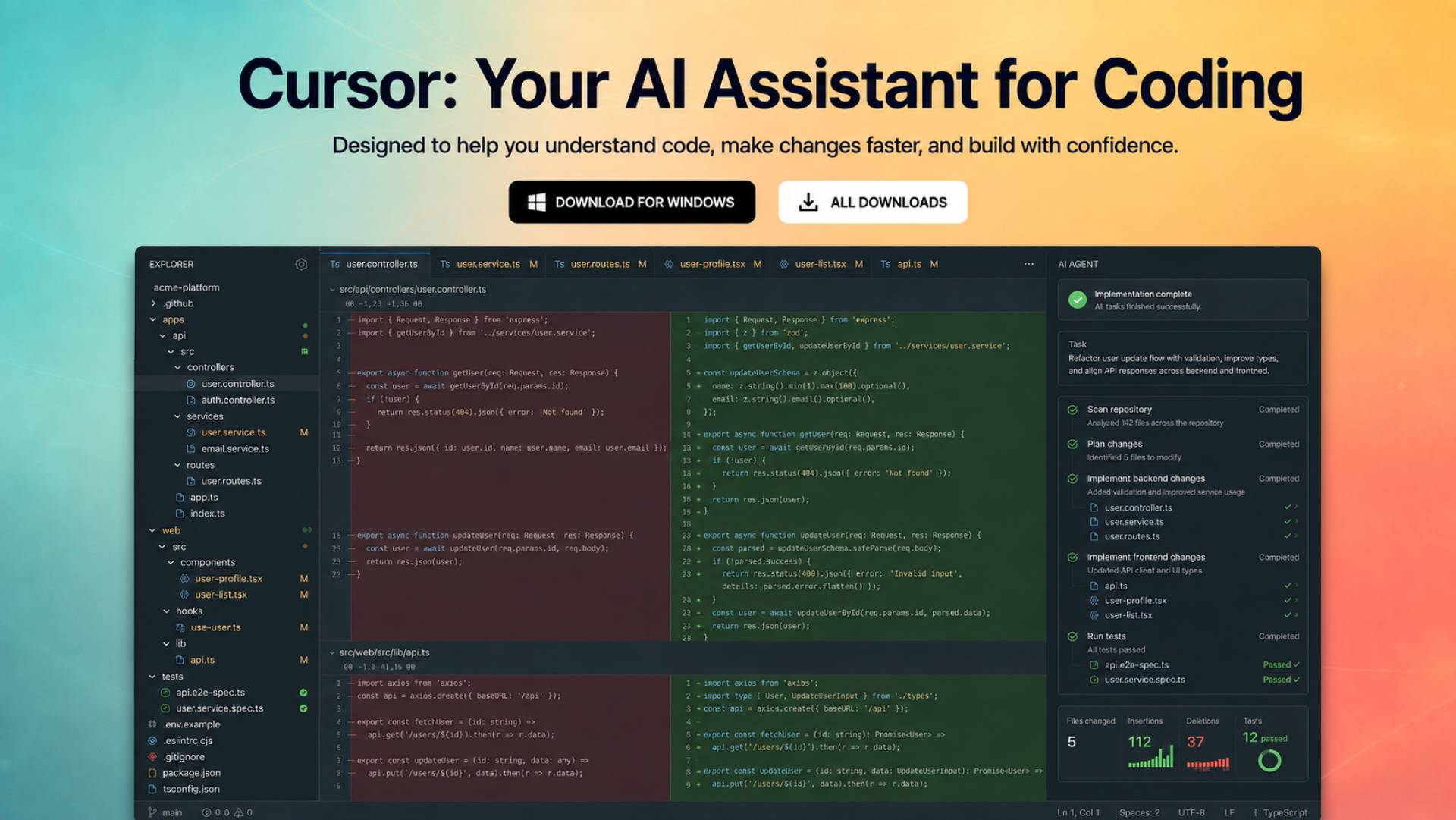
Cursor stands out among modern AI-Powered Coding Tools because it makes artificial intelligence a central part of the development environment rather than treating it as another autocomplete extension.
The key advantage is the combination of an AI-first editor, agentic workflows, model choice, repository-level interaction, and increasingly sophisticated automation.
Cursor’s current product documentation shows support for multiple frontier model providers as well as Cursor’s own models. Its current plans also include agent access, frontier models, MCP, skills, hooks, cloud agents, and Bugbot capabilities depending on the plan.
What Cursor does best
Cursor is particularly compelling when you want an AI assistant to work across multiple files rather than simply generate the next few lines of code.
That distinction matters.
Traditional autocomplete is useful when you already know what you want to write. Agentic development is more useful when you can describe a goal such as:
Add authentication to this application, update the relevant routes, create the required database changes, and update the tests.
The latter requires repository awareness, planning, file manipulation, and iterative reasoning.
Cursor is designed around this type of workflow.
Key strengths
- AI-first coding environment
- Agentic coding workflows
- Access to multiple model families
- Repository-level interaction
- MCP, skills, and hooks
- Cloud agents on applicable plans
- Bugbot for code review workflows
- Familiar editor experience for developers coming from modern IDEs
Cursor’s current pricing structure includes a free Hobby tier, Pro at $20/month, Pro+ at $60/month, and Ultra at $200/month. Cursor also introduced Cursor Start, an -only plan priced at ₹649/month, tax inclusive.
Weaknesses
The main drawback is pricing complexity.
Cursor now uses different usage pools and model-dependent consumption, meaning the headline subscription price does not necessarily tell you how much heavy agentic use will ultimately cost. Cursor explains that third-party model usage is priced according to model API rates, while its own model pool works differently.
That makes Cursor less straightforward for developers who want a completely predictable monthly AI budget.
Best for
- Professional developers
- Developers building larger applications
- Developers who want an AI-first editor
- Developers interested in agentic coding
- Developers who want model choice
Not ideal for
- Developers who want to stay entirely inside their existing IDE
- Very light users who only need occasional autocomplete
- Teams that need extremely predictable usage costs
Verdict
Cursor is the best overall AI coding tool in 2026 for developers willing to make AI a central part of their development workflow.
Its combination of editor integration, agentic development, model choice, and automation makes it more than a traditional coding assistant.
2. GitHub Copilot — Best for Existing IDE and GitHub Workflows
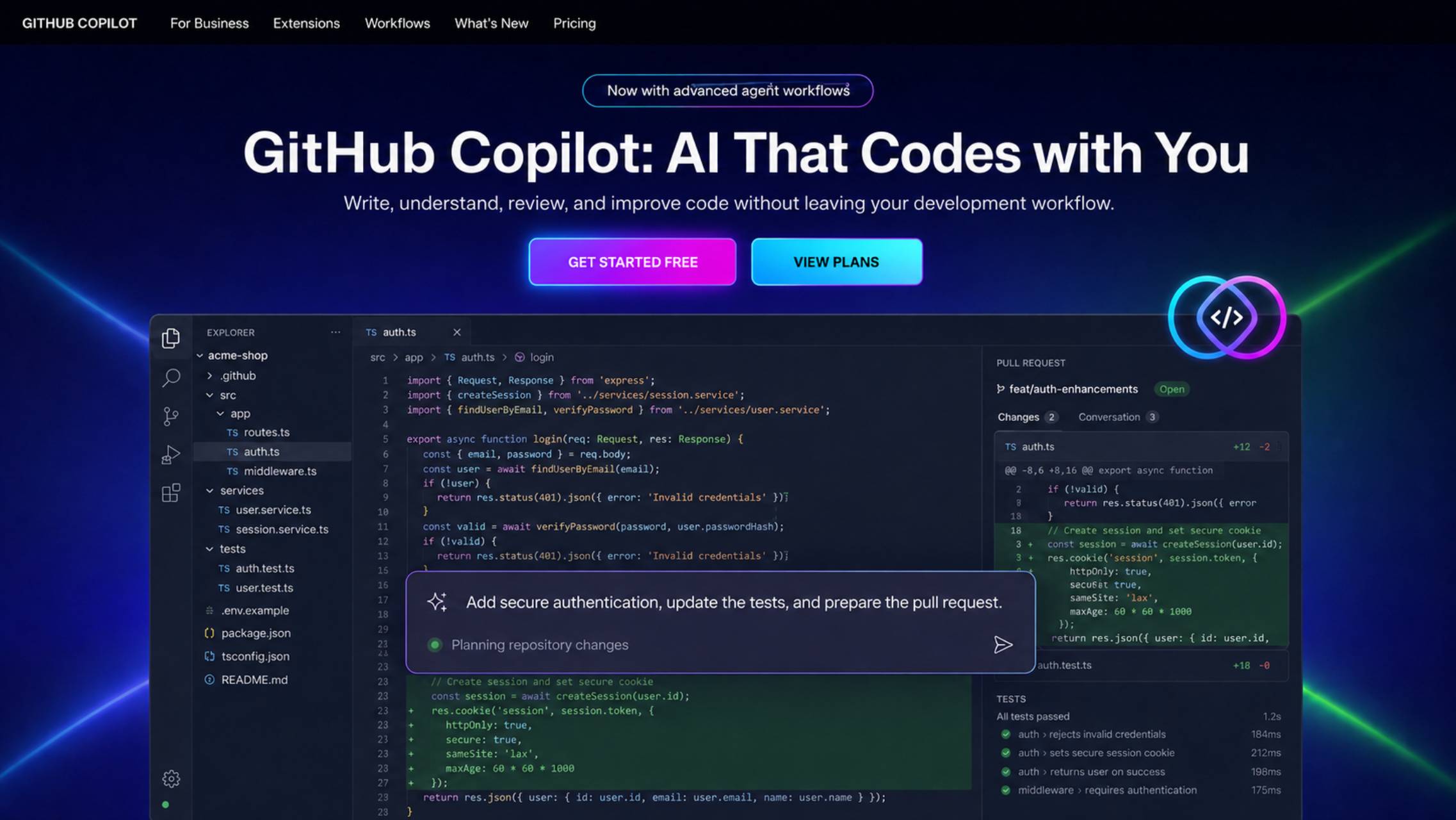
GitHub Copilot remains one of the safest recommendations for developers who do not want to abandon their existing development environment.
Its biggest advantage is breadth.
Copilot works across popular development environments and connects AI assistance to the broader GitHub workflow. GitHub’s current documentation lists support for Visual Studio Code, Visual Studio, JetBrains IDEs, Eclipse, Xcode, Vim/Neovim, and other environments depending on the feature.
What Copilot does best
Copilot is particularly strong for developers who want AI assistance embedded into an established workflow.
Instead of switching to a dedicated AI editor, you can continue using the tools you already know while adding AI-powered completion, chat, agentic features, code review, CLI functionality, and model selection.
GitHub has also expanded Copilot beyond traditional autocomplete. Its current paid plans provide access to cloud agents, code review, model selection, and third-party agents including Claude Code and Codex, depending on the plan.
Pricing
GitHub currently lists:
- Free: $0
- Pro: $10/month
- Pro+: $39/month
- Max: $100/month
- Business: $19/user/month
- Enterprise: $39/user/month
The exact feature and usage allowances vary by plan.
Among the leading AI Coding Tools for Beginners, GitHub Copilot is an accessible starting point because it works inside familiar IDEs. Cursor is another strong option for users who want AI to take a more active role in the development process.
Strengths
- Excellent IDE coverage
- Deep GitHub integration
- Strong autocomplete
- Agent mode
- Cloud agent
- Code review
- Copilot CLI
- Multiple model options
- Strong team and enterprise ecosystem
Weaknesses
The product has become more complicated than the original “AI pair programmer” concept.
There are now multiple plans, model allowances, AI credits, agents, and usage rules. Heavy users need to understand their allowance rather than assuming the subscription provides unlimited access to every AI capability.
Best for
Developers who already live in GitHub, VS Code, Visual Studio, JetBrains, or another supported IDE and want AI without rebuilding their workflow around a new editor.
Verdict
Choose GitHub Copilot if integration matters more to you than having a dedicated AI-first editor.
For many developers, the convenience of keeping their existing IDE and GitHub workflow will outweigh the advantages of switching to Cursor.
3. Claude Code — Best for Terminal-Based Agentic Coding
Claude Code takes a fundamentally different approach.
Unlike conventional Developer AI Tools centred on autocomplete inside an editor, Claude Code is designed around an agent that operates directly within the developer’s working environment.
That makes it particularly attractive to experienced developers who are comfortable working from a terminal.
Claude Code can inspect a project, reason about the codebase, edit files, run commands, work with Git, and continue through multi-step development tasks.
Anthropic’s documentation supports macOS, Linux, and Windows through WSL or Git for Windows. It can also be used through Anthropic’s API, Claude subscriptions, or enterprise cloud integrations such as Amazon Bedrock and Google Vertex AI.
What it does best
Claude Code shines when the task is larger than a single code-generation prompt.
For example:
- Understand an unfamiliar repository
- Find the source of a bug
- Modify multiple files
- Run tests
- Inspect failures
- Make corrections
- Prepare changes for review
Its terminal-first design also makes it a natural fit for developers who already automate their workflow through shell commands and Git.
Strengths
- Strong terminal workflow
- Agentic development
- Repository-level reasoning
- Command execution
- Git-oriented workflow
- MCP support
- Works with enterprise cloud providers
Claude Code’s CLI includes commands for continuing conversations, resuming sessions, querying through a command, and configuring MCP servers.
Weaknesses
Claude Code is less attractive if your priority is traditional IDE autocomplete.
It is also important to distinguish subscription pricing from API usage. The underlying Claude models have token-based pricing, and heavy agentic workflows can consume considerably more resources than simple chat interactions. Anthropic publishes separate model pricing based on input, cached input, and output tokens.
Best for
- Experienced developers
- Terminal-heavy workflows
- Large coding tasks
- Developers comfortable delegating multi-step work to an agent
Verdict
Claude Code is one of the strongest choices for developers who prefer the terminal and want an AI agent rather than a traditional coding assistant.
4. OpenAI Codex — Best for Autonomous Coding Workflows
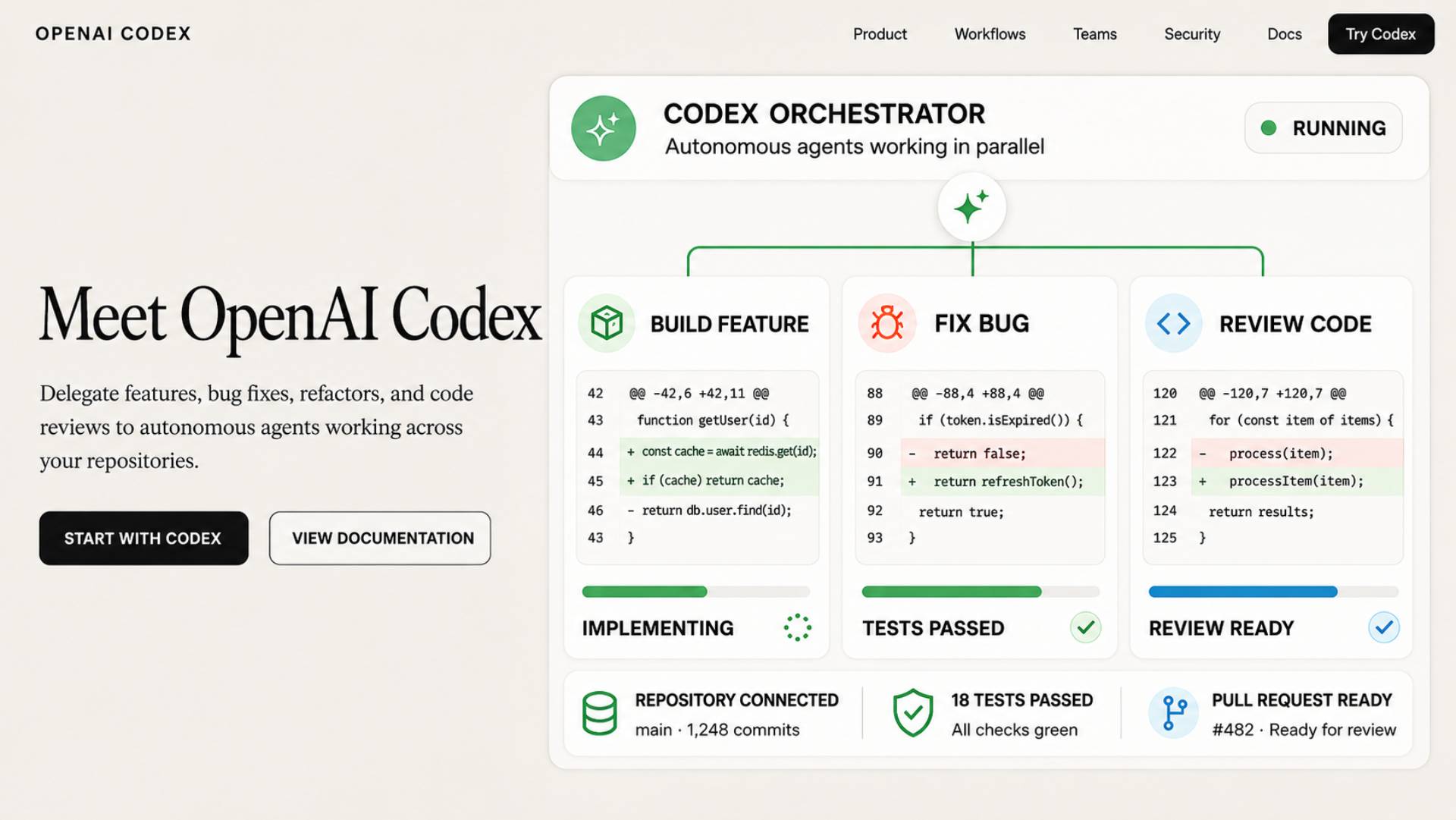
OpenAI Codex is a leading candidate for the Best Coding AI for 2026 when the priority is delegating autonomous software-engineering tasks rather than receiving basic autocomplete suggestions.
The focus is on delegating software-engineering tasks to an agent that can work through a problem rather than simply suggesting a line of code.
Codex can be used through eligible ChatGPT plans and is also available in team and enterprise environments. OpenAI changed Codex billing in 2026 from message-based estimates toward token-based credit usage for many customers.
What Codex does best
Codex is particularly interesting for developers who want to delegate substantial engineering tasks.
Examples include:
- Implementing features
- Fixing bugs
- Working through repositories
- Reviewing code
- Running development tasks
- Handling multiple agentic tasks
OpenAI’s current Codex rate card also distinguishes local tasks, cloud tasks, and code review in its documentation.
- Strong agentic workflow
- Integration with OpenAI’s coding models
- Code review capabilities
- Local and cloud-oriented workflows
- Suitable for larger delegated tasks
Weaknesses
Cost predictability can be difficult for heavy users.
OpenAI now measures Codex usage using credits tied to token consumption. The actual cost varies with the model, amount of context, output, reasoning, number of instances, automations, and other factors. OpenAI notes that average developer usage can vary substantially.
Best for
- Developers who want agentic coding
- Developers already using ChatGPT
- Teams experimenting with delegated software engineering
- Developers who prefer OpenAI models
Verdict
Codex is one of the most compelling options when your goal is to delegate meaningful development work rather than simply receive code suggestions.
5. Windsurf — Best Cursor Alternative

Windsurf is a strong alternative for developers who want an AI-first development environment but do not want to use Cursor.
Its central experience is built around Cascade, an AI system designed to understand the codebase and perform actions through the development workflow.
What it does best
Windsurf is particularly appealing for developers who want:
- AI-assisted coding
- Repository understanding
- Agentic interaction
- Code generation
- Previews
- Deployment capabilities
The current Windsurf documentation lists a $15/month Pro plan with 500 prompt credits per month, access to premium models, previews, and app deployments. Additional prompt credits can be purchased separately.
Strengths
- AI-first development experience
- Cascade agent
- Codebase-aware workflows
- Competitive pricing
- App previews and deployments
- Premium model access
Weaknesses
The credit system can make usage less predictable than a simple unlimited subscription.
The free plan is also considerably more restricted than a conventional unlimited coding assistant.
Best for
- Developers comparing Cursor alternatives
- Developers who want agentic editing
- Developers who value integrated previews and deployment
Verdict
Windsurf is the strongest alternative to Cursor for developers who want an AI-first editor and agentic workflow.
6. Gemini Code Assist — Best for Google Cloud Development
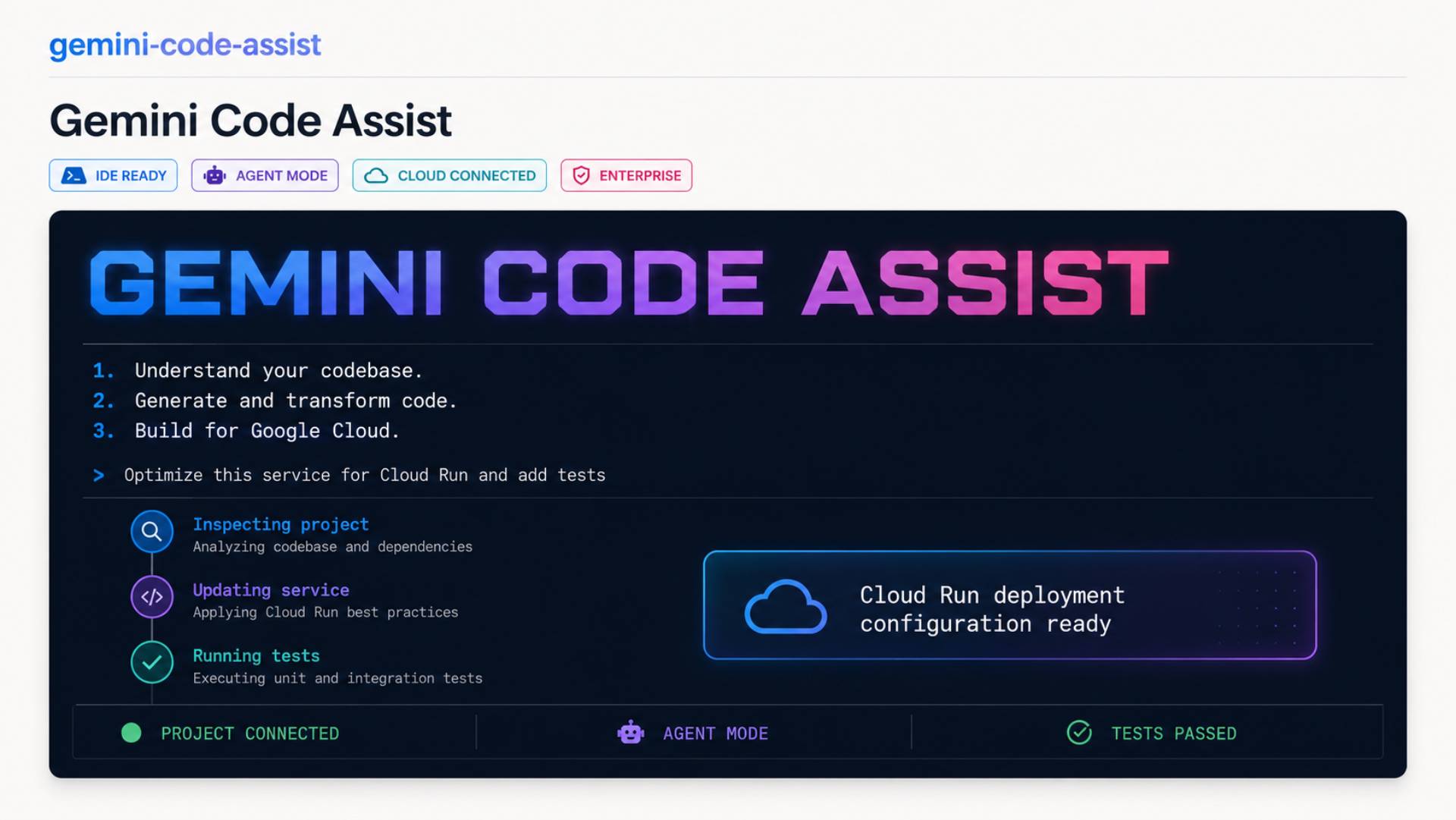
Gemini Code Assist makes the most sense when your development environment already revolves around Google Cloud.
Google positions Gemini Code Assist as an AI-powered collaborator that supports development across the software development lifecycle. Current documentation lists code completion, code generation, chat, local codebase awareness, code transformation, agent mode, Gemini CLI, and cloud-oriented capabilities.
It supports environments including VS Code, JetBrains IDEs, and Android Studio.
What it does best
Its major advantage is ecosystem integration.
For a developer working heavily with:
- Google Cloud
- BigQuery
- Firebase
- Cloud Run
- Google APIs
- Google infrastructure
The broader Google ecosystem can be an important reason to choose Gemini.
Pricing
Google currently offers Standard and Enterprise editions. The published Google Cloud pricing shows different hourly-equivalent rates depending on the commitment term, with Enterprise priced higher than Standard.
Important 2026 change
Google has also changed how its consumer access works. Google documentation states that Gemini Code Assist IDE extensions and Gemini CLI stopped serving requests for individual consumer tiers beginning June 18, 2026, with affected users directed toward Antigravity and Antigravity CLI.
That makes it important not to rely on older articles describing Gemini Code Assist’s previous individual-user setup.
Best for
- Google Cloud developers
- Enterprise teams using Google infrastructure
- Developers working with Google’s data and cloud services
Verdict
Gemini Code Assist is most compelling when Google Cloud is already a major part of your development stack.
7. Cline — Best for Flexible Agentic Development
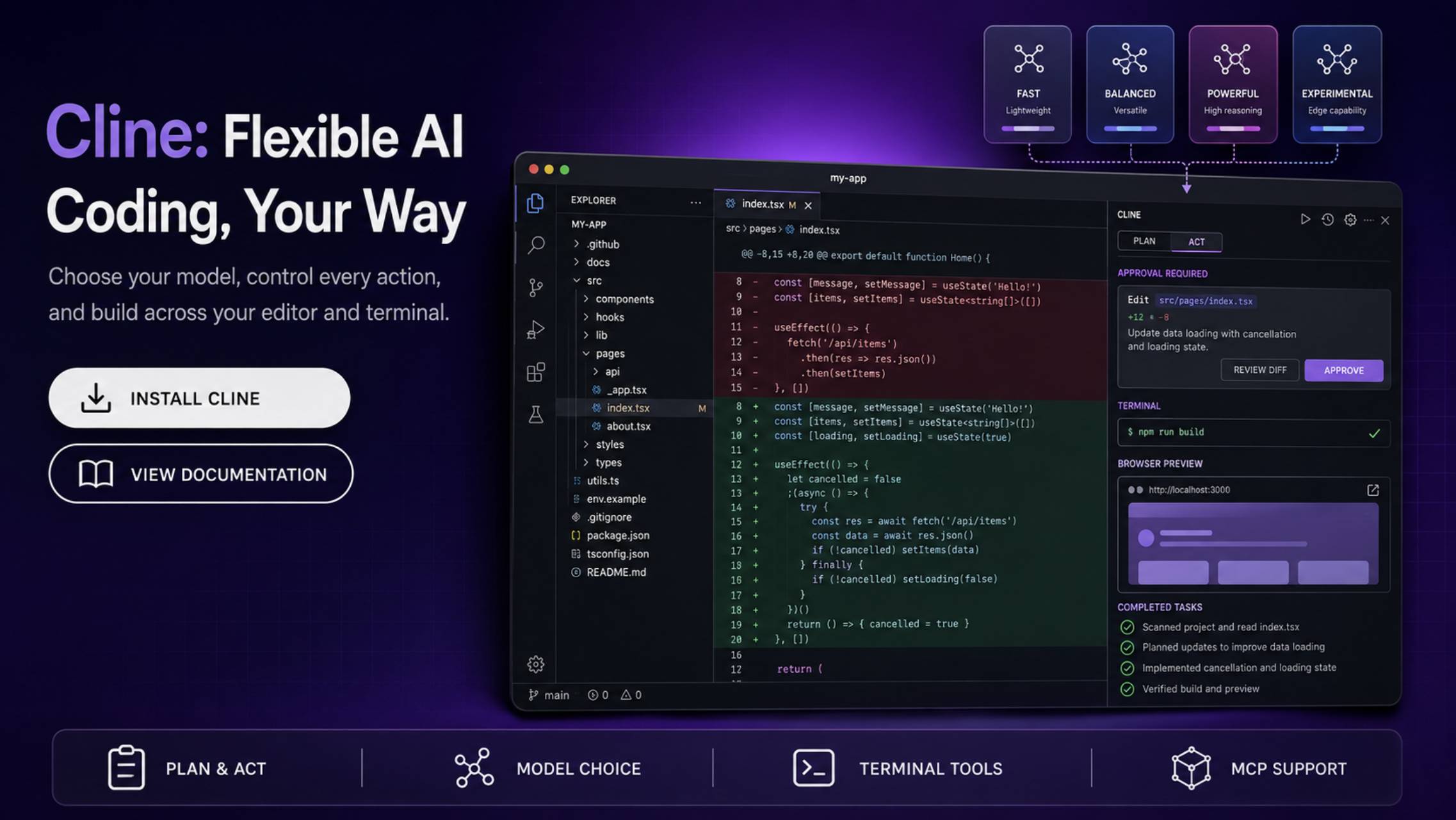
Cline takes a more flexible approach than many commercial AI coding products.
Rather than locking developers into one proprietary model ecosystem, Cline can be configured around different models and providers.
That makes it attractive to technically sophisticated developers who care about control and flexibility.
What it does best
Cline is well suited to developers who want an AI agent capable of interacting with their codebase and development environment while retaining more control over the underlying model and configuration.
Strengths
- Flexible model/provider setup
- Agentic coding
- Strong developer control
- Open-source-oriented ecosystem
- Suitable for developers comfortable configuring their tools
Weaknesses
Flexibility can also mean complexity.
A beginner who simply wants to install an AI assistant and start coding may find Cline less straightforward than a fully managed product such as Copilot or Cursor.
Costs can also depend on the underlying model provider rather than one simple Cline subscription.
Best for
- Experienced developers
- Developers who want model choice
- Developers who prefer configurable tooling
- Developers comfortable managing AI usage costs
Verdict
Cline is a strong choice for developers who value flexibility more than simplicity.
8. Amazon Q Developer — Best for AWS Developers
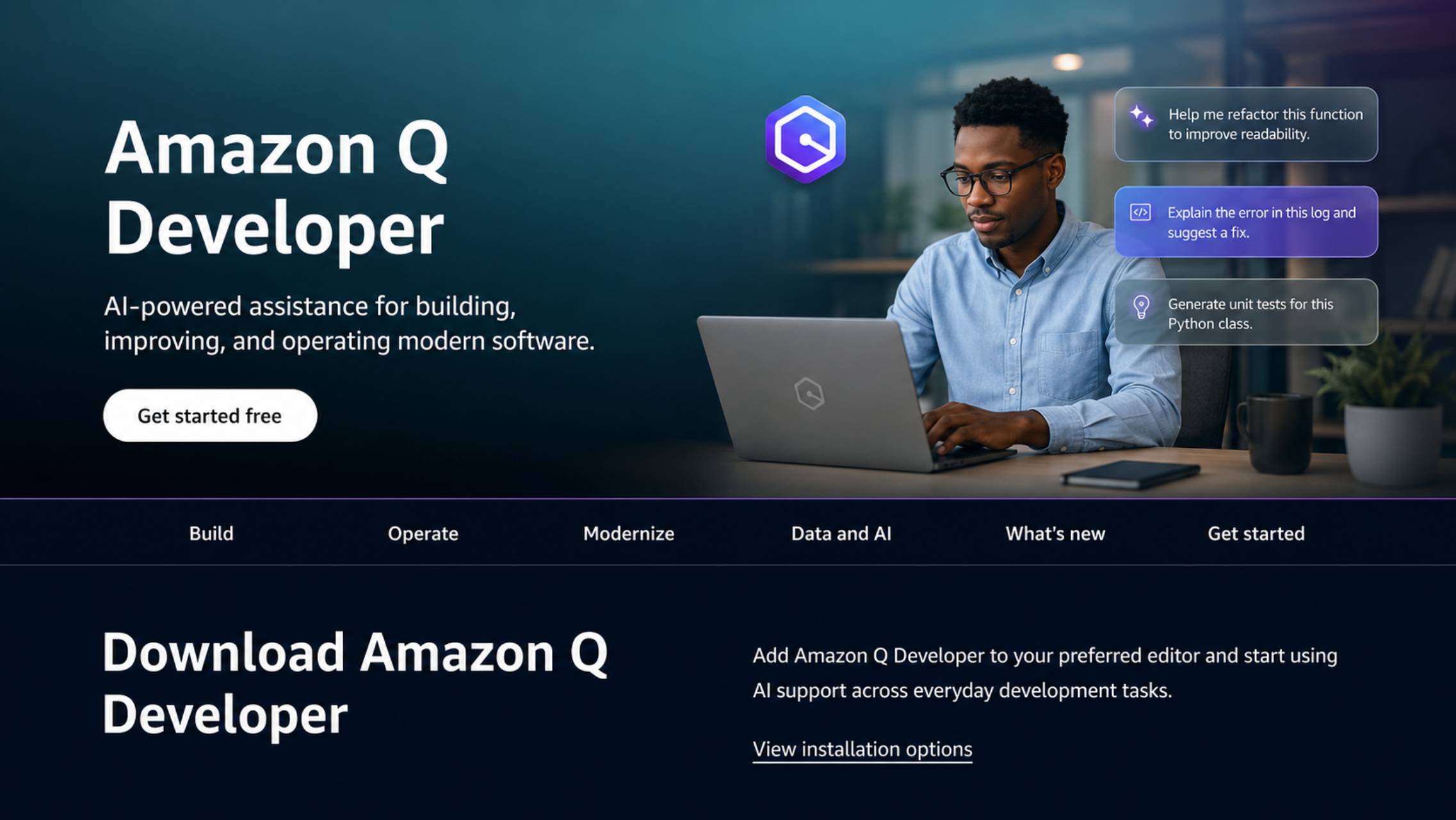
Amazon Q Developer is the obvious candidate for developers whose work is heavily connected to AWS.
Its value is not simply code generation. The larger advantage is integration with the AWS development environment.
For teams building applications around AWS infrastructure, services, permissions, deployment, and cloud operations, an assistant that understands the surrounding ecosystem can be more useful than a generic coding assistant.
Amazon’s documentation also covers migration from CodeWhisperer Pro to Amazon Q Developer Pro, reflecting how the products have been consolidated under the Amazon Q Developer brand.
Strengths
- AWS ecosystem integration
- Code generation
- Development assistance
- Cloud-oriented workflows
- Enterprise features
Weaknesses
Its strongest differentiator is also its limitation: developers who rarely use AWS may have less reason to choose it over a general-purpose coding assistant.
Best for
- AWS developers
- Cloud engineers
- Teams building heavily on AWS
- Enterprises already standardized on AWS
Verdict
Choose Amazon Q Developer when AWS is central to your development workflow.
Best AI Coding Tools by Use Case
The overall ranking is useful, but your workflow matters more than the ranking number.
If You Want the Best Overall AI Coding Experience
Choose Cursor.
Its AI-first editor, agentic workflows, multiple models, MCP support, and cloud-agent capabilities make it one of the most complete options for individual developers.
If You Primarily Use VS Code
Choose GitHub Copilot or Cursor.
Copilot is the natural choice if you want to remain inside your existing VS Code workflow. Cursor is more attractive if you are willing to adopt an AI-first editor.
If You Want Agentic Coding
Choose Cursor, Claude Code, or Codex.
The best option depends on where you want the agent to operate.
- Cursor: editor-centered
- Claude Code: terminal-centered
- Codex: delegated software-engineering tasks
If You Want a Free AI Coding Tool
Start with GitHub Copilot Free or Cursor Hobby.
GitHub’s free plan currently includes up to 2,000 code completions per month, while Cursor’s Hobby plan provides limited Agent requests and Tab completions.
Free plans are useful for experimentation, but serious daily users will often encounter usage limitations.
If You Are a Beginner
Choose GitHub Copilot or Cursor.
Among the leading AI Coding Tools for Beginners, GitHub Copilot is an accessible starting point because it works inside familiar IDEs. Cursor is another strong option for users who want AI to take a more active role in the development process.
If You Are a Professional Developer
Choose Cursor, Copilot, Claude Code, or Codex.
At this level, the choice should be based less on autocomplete quality and more on how well the tool fits your repository, testing, Git, terminal, review, and deployment workflow.
If You Work on Large Codebases
Look closely at Cursor, Claude Code, Codex, and Gemini Code Assist.
Repository understanding and context handling become much more important as projects become larger.
If Privacy Matters Most
Do not choose based on marketing claims alone.
Compare the provider’s current privacy mode, data retention, training policies, enterprise controls, content-exclusion options, and administrative controls for the specific plan you intend to purchase.
For organizations, the enterprise version of a product can have materially different controls from its consumer plan.
If You Are Buying for a Team
GitHub Copilot, Cursor, and Gemini Code Assist deserve particular attention.
GitHub offers organization and enterprise plans with centralized controls, while Cursor’s Teams offering includes centralized administration, usage analytics, team-wide privacy mode, SSO, and shared agentic workflows.
AI Coding Tools Compared by Capability
| Capability | Strongest Options | Why |
|---|---|---|
| Overall AI coding | Cursor | Strong combination of editor and agentic workflows |
| IDE integration | GitHub Copilot | Broad support for established development environments |
| Agentic coding | Cursor / Claude Code / Codex | Designed around multi-step development tasks |
| Terminal workflow | Claude Code | Built around CLI development |
| AI-first editor | Cursor | Editor architecture is centered on AI |
| GitHub workflow | GitHub Copilot | Deep GitHub integration |
| Google Cloud | Gemini Code Assist | Strong Google Cloud integration |
| AWS | Amazon Q Developer | AWS-focused assistance |
| Flexible model setup | Cline | Greater configuration flexibility |
| AI-first alternative | Windsurf | Cascade-centered development workflow |
| Free experimentation | GitHub Copilot Free / Cursor Hobby | Accessible entry-level plans |
These are editorial recommendations rather than benchmark scores. There is no single objective test that can establish one tool as the best at every coding task.
Free vs. Paid AI Coding Tools
Are free AI coding tools good enough?
For light coding, absolutely.
A free plan can be enough for:
- Learning programming
- Small scripts
- Occasional debugging
- Simple autocomplete
- Exploring AI-assisted development
- Personal experimentation
GitHub Copilot Free, for example, currently provides 2,000 code completions per month. Cursor’s Hobby plan provides limited Agent requests and Tab completions.
The problem appears when AI becomes part of your daily development process.
Agentic workflows consume substantially more resources than simple autocomplete. Developers working on large repositories or asking agents to perform long multi-step tasks are more likely to encounter usage limits or usage-based charges.
When should you pay?
Pay when the tool saves enough time to justify its cost.
For a professional developer, a $10–$20 monthly subscription is relatively small if the assistant meaningfully reduces time spent on repetitive coding, debugging, documentation, testing, and code navigation.
For casual users, however, paying for multiple AI coding subscriptions can quickly become wasteful.
The better strategy is usually to choose one primary coding assistant and add another only when it provides a distinct capability you actually need.
How We Ranked These AI Coding Tools
This ranking was created for commercial-investigation search intent: the goal is to help a developer decide which product deserves consideration before adopting or paying for it.
The evaluation framework considers:
- Overall coding capability
- Code generation
- Code completion
- Codebase understanding
- Agentic workflows
- Debugging
- Refactoring
- IDE integration
- Terminal support
- Model selection
- Context handling
- Ease of use
- Language and framework support
- Git and GitHub integration
- Privacy and security
- Team features
- Pricing
- Free-plan usefulness
- Developer fit
- Overall value
The research prioritizes official product documentation and pricing pages. For example, current Cursor pricing and model information was checked against Cursor’s documentation, while GitHub Copilot pricing and capabilities were checked against GitHub’s official documentation.
No fabricated hands-on testing, benchmarks, user experiences, or performance scores are used in this ranking.
That distinction matters because AI coding products change extremely quickly. A benchmark or feature comparison published several months ago can already be outdated.
Are AI Coding Tools Worth It?
For many developers, yes—but the value depends on how you work.
An AI coding tool is most valuable when it reduces the amount of time you spend on repetitive or cognitively expensive work.
Examples include:
- Exploring unfamiliar code
- Writing boilerplate
- Generating tests
- Explaining existing code
- Refactoring repetitive code
- Debugging errors
- Writing documentation
- Navigating large repositories
- Creating implementation plans
- Reviewing changes
The biggest productivity gains are less likely to come from asking an AI to write a 10-line function and more likely to come from delegating larger chunks of development while maintaining human review.
That last part is important.
AI-generated code still needs to be reviewed, tested, and understood. A coding agent can make changes quickly, but speed does not eliminate the need for engineering judgment.
Final Verdict
The AI coding market in 2026 is no longer divided simply into “autocomplete tools” and “chatbots.” The most important products are increasingly becoming development agents capable of understanding repositories, modifying multiple files, running tools, reviewing work, and completing larger tasks.
Our overall recommendations are:
Best overall: Cursor
Cursor offers the strongest combination of an AI-first editor, agentic coding, model choice, and workflow automation. Its current India-specific ₹649/month Start plan also makes it particularly interesting for developers in .
Best for existing IDE and GitHub workflows: GitHub Copilot
Copilot is the safer choice if you want AI assistance without changing the way you work. Its broad IDE support and GitHub integration remain major advantages.
Best for terminal-based development: Claude Code
Claude Code is especially compelling for experienced developers who want an AI agent operating directly in their development environment.
Best for autonomous coding workflows: OpenAI Codex
Codex is a strong choice for developers who want to delegate larger software-engineering tasks and use OpenAI’s agentic coding environment. Its token-based credit system means heavy users should pay attention to usage rather than judging value from the subscription price alone.
Best alternative to Cursor: Windsurf
Windsurf provides an AI-first workflow centered around Cascade and remains a competitive option at a lower headline Pro price of $15/month.
Best for Google Cloud: Gemini Code Assist
Gemini Code Assist makes the most sense for teams already invested in Google Cloud and its surrounding development ecosystem.
Best for flexible agentic workflows: Cline
Cline is worth considering when developer control and model/provider flexibility matter more than having a fully managed commercial experience.
Best for AWS: Amazon Q Developer
For AWS-heavy teams, ecosystem integration can be more valuable than choosing the highest-ranked general-purpose coding assistant.
Ultimately, the best AI coding tool is the one that fits the way you actually develop software. If you want one recommendation to start with, try Cursor. If you want to keep your existing IDE, start with GitHub Copilot. If you prefer the terminal, look at Claude Code. If you want to delegate larger engineering tasks, compare Codex with Claude Code and Cursor.
The market will continue changing quickly, so treat pricing and feature comparisons as time-sensitive rather than permanent specifications.