

One of the easiest mistakes when evaluating AI creative tools is to judge them only as technology. Many products are better understood as workflow answers to business problems. That is the frame I used when testing the public logic of Image to Video AI. Instead of asking whether it could produce the most cinematic output in the world, I asked a simpler question: if a marketer already has approved visuals, does this page make it easier to turn those visuals into more engaging content without reopening production from scratch?
That question is especially relevant now because many teams do not suffer from a lack of images. They suffer from a lack of motion assets. Product pages need short clips. Ad campaigns need variation. Social channels reward movement more than stillness. Yet creating video versions of every approved image is expensive in time, labor, and attention. A photo-to-video workflow becomes compelling when it offers a practical bridge between existing still assets and the demand for motion-heavy distribution.
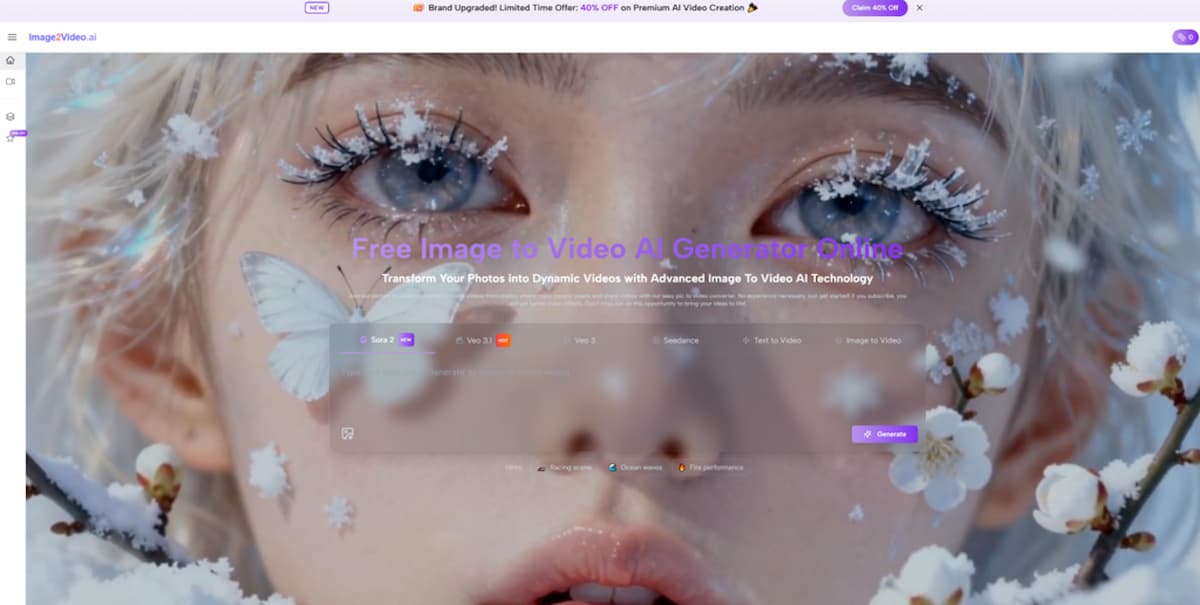
Seen from that angle, the landing page is surprisingly disciplined. It does not force the user into a broad theoretical universe of AI creativity before they even begin. It keeps returning to a direct value proposition: upload images, describe the result, generate a video, and export it. That is a marketing workflow disguised as a simple interface.
That is why Photo to Video feels most interesting to me as a repurposing tool. The platform’s strongest promise is not raw novelty. It is the ability to make one approved visual travel farther across more channels by turning it into a moving asset with relatively little friction.
Why I Tested It As A Repurposing Engine
A lot of content teams are under pressure to publish more versions of the same core idea. The image may already be approved, the message may already be fixed, and the deadline may already be close. In that environment, the best tool is not always the most advanced one. It is often the one that shortens the path from finished asset to usable variation.
Still images already contain strategic value
A strong still image has already solved many strategic problems. It communicates product priority, emotional tone, composition, and brand direction. Turning that image into a short clip is often less about invention and more about extension.
That is why photo-to-video matters commercially. It gives teams a way to stretch the value of visual work they already paid for.
The page is designed for speed of interpretation
The landing page does a good job of communicating what the user should expect. You can see prompt entry, aspect ratio options, resolution choices, frame rate, length, and export logic. This makes the page feel like a quick production station rather than a mysterious AI black box.
Interpretability reduces adoption friction
Marketers are more likely to test a tool when the interface explains itself. In my observation, that may be one of the most underappreciated strengths of this page. It is not only easy to read. It is easy to imagine using in the middle of a deadline.
What The Workflow Suggests About The Intended User
The product language across the page and broader site provides strong clues.
It is built for people with existing assets
The workflow starts with images, not scripts. That immediately suggests a user base that includes ecommerce teams, small businesses, creators, educators, photographers, and social media managers. These are all people likely to have still images ready to go.
It assumes the user wants output, not exploration alone
Some AI creative tools present themselves as idea playgrounds. This page feels more output-oriented. The language around polished videos, product showcases, tutorials, event recaps, and downloadable results gives the product a more applied identity.
It supports multiple publishing contexts
Because the page includes several aspect ratio options, the user is clearly being invited to think in terms of where the content will go. Vertical, square, and horizontal outputs are not aesthetic trivia. They are distribution decisions.
The Official Process Through A Marketing Lens
Based on the public page, the workflow can be explained in four steps, each of which maps cleanly onto a content repurposing mindset.
Step 1: Upload the approved visual
The platform accepts common formats like JPG, JPEG, PNG, and WebP, which means most content teams can begin with the images they already have in circulation.
Step 2: Add a text description for movement
This is where the user converts campaign intent into motion direction. Rather than manually keyframing movement, they describe the feeling or action they want. For many marketing uses, that is much faster than building motion design from zero.
Step 3: Let the system process the result
The platform openly signals that the request enters processing. I like this because it treats generation as real work rather than pretending it happens instantly and flawlessly every time.
Step 4: Review and export for publishing
The result is then ready to be checked, downloaded, and shared. This confirms the workflow is designed around a final deliverable, which is exactly what marketing teams care about.
What Makes The Page Commercially Useful
The easiest way to praise an AI tool is to call it powerful. The better question is whether it saves useful time.
It offers a lighter route to variation
A strong marketing system depends on variation. One image may need a vertical version for social stories, a square version for feeds, and a wider version for a landing page module. A page like this makes it easier to imagine multiple output directions from one source asset.
It aligns with familiar campaign needs
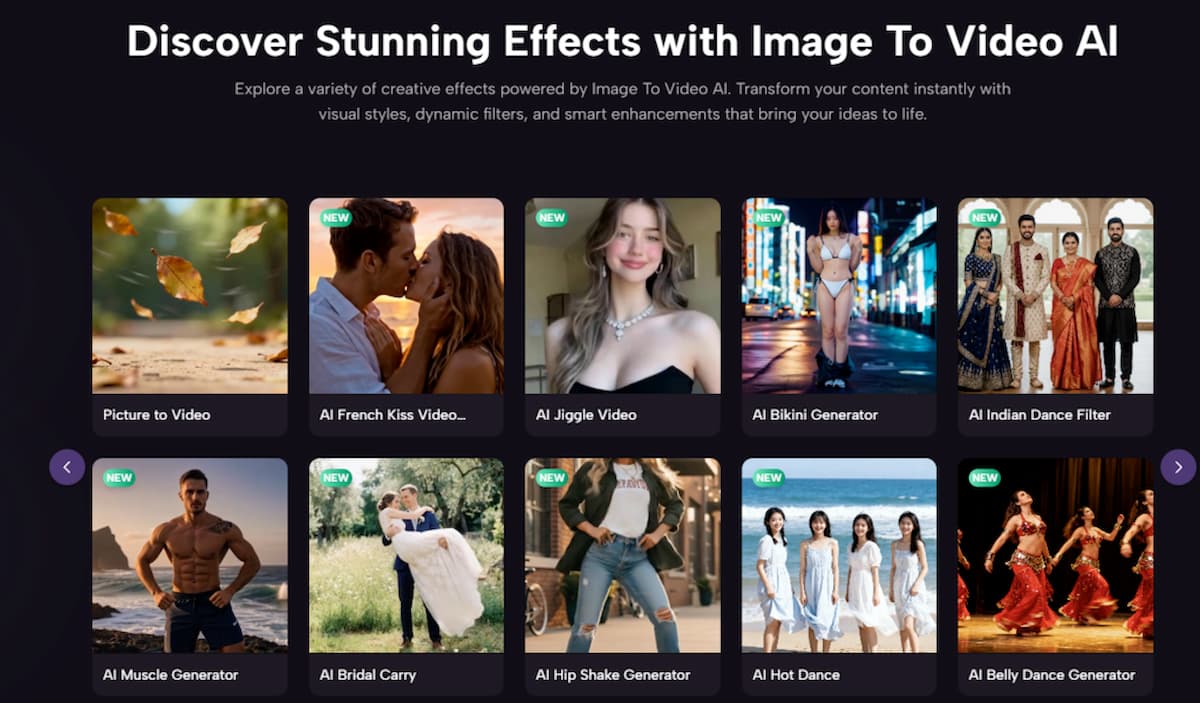
The product’s own use-case framing is one of its smartest choices. Product showcases, tutorials, social media clips, ecommerce presentations, and recap-style content all feel realistic. The page is not asking the user to invent strange new reasons to use the technology.
It gives just enough visible control
Settings like length, resolution, frame rate, and ratio matter because they turn the page from a novelty generator into a more believable production tool. In my testing mindset, this is where the page gains credibility. It gives structure without becoming cluttered.
Marketers usually need control at the edges
Most marketing users do not need to control every frame. They do need control over output suitability. If they can choose format, quality, and general motion direction, that is often enough to make a tool operationally useful.
Where I Would Be Cautious
A good repurposing engine is still not a magic button.
The original image still matters enormously
If the source image lacks clear subject focus or has awkward composition, motion alone may not save it. The strongest outputs usually begin with visuals that already communicate clearly.
Prompt writing becomes part of the job
Natural-language prompting may be simpler than editing, but it still requires judgment. A user has to think about pace, emphasis, camera movement, and emotional tone. Better instructions tend to produce better results.
Not every campaign needs animated output
There is also a strategic limit. Just because a still image can become a video does not mean it should. Teams still need to decide whether motion adds clarity, attention, or relevance, rather than movement for its own sake.
How I Would Position It In A Real Team
If I were describing the value of this page to a content team, I would not pitch it as a replacement for production. I would pitch it as a multiplier for finished visual assets.
Best fit for fast-turn content needs
It seems especially well suited to situations where teams already have enough imagery but need more motion-capable versions of that imagery. Social campaigns, product launches, ecommerce showcases, and educational explainers all fit that pattern.
Also useful for smaller organizations
Small businesses and solo creators may benefit even more because they often have the sharpest gap between visual ambition and production capacity. A browser-based page that turns a still into a polished clip can meaningfully expand what they are able to publish.
Less ideal when deep post-production is essential
If a project needs precise sequencing, dialogue timing, layered editing, or extensive compositing, this kind of landing-page workflow is only one step in a longer process. That is not a criticism. It is simply good role definition.
Why This Angle Changed My View
When people hear “photo to video,” they sometimes imagine a gimmick: a still image made slightly less still. The page makes a better case than that. It suggests a more strategic use of motion, especially in contexts where the image is already approved and the bottleneck is distribution-ready variation.
That is why I think the page is best understood as a content repurposing tool with AI at its center, not as an all-purpose film engine. It makes more sense when treated as a bridge between existing static assets and the practical need for moving content.
In my observation, that is also why the page feels commercially sharper than many AI product pages. It knows the user probably already has the image. It knows the user probably already has a use case. It knows the user does not want a lecture about the future of creativity. The user wants a usable result.
And that, in the end, is what makes the test persuasive. The page is not simply promising animation. It is promising asset extension. For real teams under time pressure, that can be the more valuable promise.